Browse Elements in Studio
Remotion Elements are available directly inside Remotion Studio.
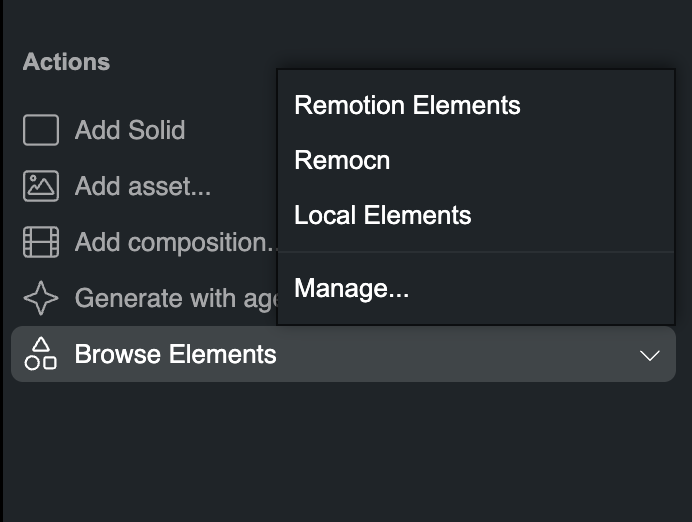
Open Browse Elements
Select Browse Elements in the Actions section of the right inspector.
Add more libraries
In Studio
Use the Configure Elements gear in the library window to manage Element Libraries. If additional libraries are configured, you can also choose Manage… from the Browse Elements menu.
In remotion.config.ts
Add an Element Library with Config.addElementLibrary():
remotion.config.tsConfig .addElementLibrary ({url : 'https://example.com/elements',displayName : 'Acme Elements', });